@sleeping
Forum Replies Created
-
AuthorPosts
-
sleeping
ParticipantI tried it once. You either need the steadiest hands in the world and the light of 10,000 suns or the world’s greatest tripod and the patience of someone famous for being patient whose mention here would be witty.
Or a flash 😉 The daddy longlegs shot above was handheld at f/22 or so with a flash. I couldn’t use a tripod because the plant was blowing around so much. I did take several shots and only that one came out though.
Another thing that makes high magnification macros a lot easier is a focusing rail. This lets you move the camera forwards and back to focus instead of trying to adjust a tripod which isn’t really designed for very fine adjustments.
ParticipantThey’re called macro couplers, or reverse couplers. This is different from a reversing ring (those are designed for mounting a lens backwards directly on a camera or bellows). You can also use tape if you can find a couple lenses that are a pretty good fit.
You’re shortening the focal length doing this, not increasing it (no telephoto effects). Also, you don’t want to use a wide angle as the lens on the camera, you want a tele (narrow field of view) to avoid vignetting from the lens you’re sticking on the front. You might be able to use a wide as the reversed lens, but that will give you a very high magnification and very small working distance. Magnification is approximately equal to the focal length of the main lens/ fl of the reversed lens
Here’s a couple of examples:
http://flickr.com/photos/awrose/719214119/
 Participant
Thank you guys. I appreciate your help. This photo was a complete accident and wanted to find some way to make it presentable. Does any of you mind if I download the retouched versions for my computer’s pictures folder?
Go for it – I certainly don’t.
ParticipantThis has:
– neat image noise reduction,
– fairly extreme levels correction added as an adjustment layer,
– curves added to a second adjustment layer to bring the shadows back down, plus a slight boost to the highlights,
– a but of unsharp mask.ParticipantI’m a little leary of the scanners that can do both transparent and reflective media, and the ones that scan more than one image at a time. On that last point, I question the mechanical tolerances.
sleeping before chunking down my hard earned dollars one last question. i looked at your scanner on the espon site and it seems to use holders very similar to the 4990. have you ever tried using plastic film holder sheets and the 8×10 transparency thing instead of their mechanical holders?
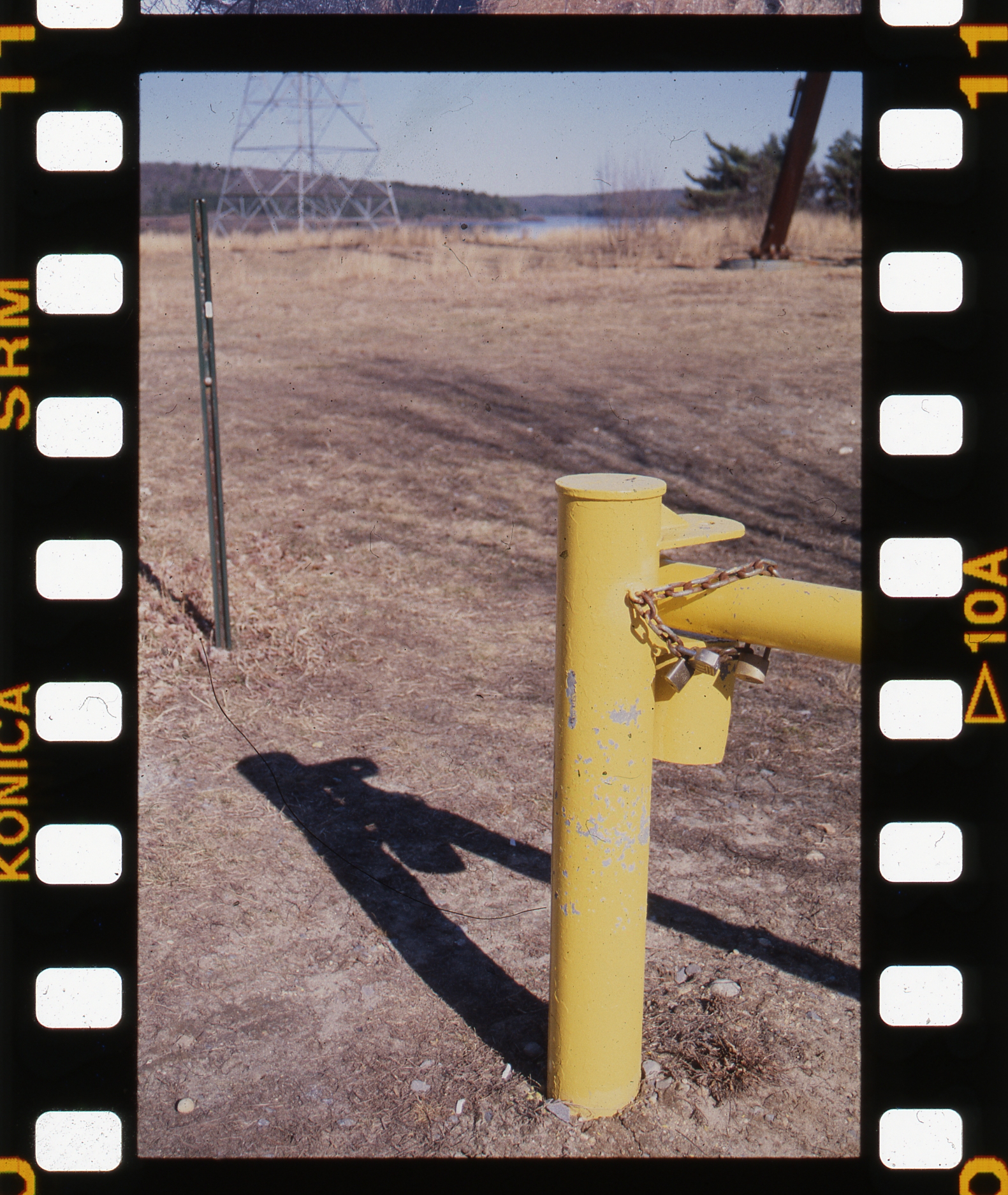
I tried it just now, and it seems to work OK, I didn’t scan at an ultra high resolution, but it looks sharp enough for web use anyway. The color may be a bit more muted than if it was in the film holder, but it’s not great film for colors (konica centuria 200).
Excuse the dust, I just slapped it on the bed without cleaning the bed or the negative sleeve.
http://farm2.static.flickr.com/1199/757040636_2d97da0dc4_o.jpg
The disadvantage of this compared to the film holders, at least if you want the individual pictures instead of a contact sheet, is that it won’t automatically extract them – you’d have to select each one manually or scan the whole thing and crop each one out later.
ParticipantThe calculator is probably assuming an uncompressed image format. If I save the file as an uncompressed RGB .tif, it’s like 90MB.
6800/24″ = 283 DPI for a 16×24 print. That’s a little less than what’s considered ideal (300-ish), but not much.
If you resize it in photoshop so it’s about 2400 pixels wide, that would be a rough approximation on screen of what you’d get in a 16×24 print (a good print would almost certainly look better, though)
ParticipantCurious – The scanner is an epson v-750. I wouldn’t expect a scan at that sort of resolution to look great on a monitor at 100% – that’s the equivalent of a print about 60″ wide, assuming your monitor resolution is around 100dpi. I think I could get a pretty good 16×24 or so print from it, though.
ParticipantYeah, I realize that, however the iscan software we’re using to scan from the 4490 under Linux won’t give the option to scan above 2400 dpi. Zeke messed around with it, but near as we can tell, 2400 dpi is the true optical resolution limit for our scanner. We found references online to this being the case with a lot of scanners (that the true limit is lower than the stated limit).
Gotcha – yeah, I can scan at up to 12800 dpi(!) with my software, but that’s just 4800 interpolated.
Here’s a raw scan at 4800:
http://farm2.static.flickr.com/1034/743004330_01f65072cc_o.jpg
ParticipantOne thing to point out is that the Epson (and many, if not most scanner manufacturers) seem to overstate their optical scan resolution. The 4490 is said to be 4800dpi I think, but under Linux, iscan isn’t fooled by whatever shenanigans it pulls under Windows, so it only registers 2400 dpi.
The DPI setting in a file isn’t necessarily the same as the DPI of the scan (and the Epson scan software allows you to control them separately). My Epson (750 Pro) will definitely do 4800, but I wouldn’t use it unless I wanted to make a gigantic print.
Participantok i read that then spent an hour doing more scans the net result of which is i can get decent resolution but definitely not sharp. and one application of “sharpen” in PS helps but “sharpen more” is too much. as far as color goes, well i was shooting film from seatle film works so the color was never that good to begin with.
Scans always need some sharpening to look good, but try Unsharp Mask in PS instead of Sharpen, something around the lines of
Amount: 250
Radius: 1.1 (play with this first if it doesn’t look good. Small changes can make a big difference)
Threshold: 4ParticipantI haven’t used the 4990, but I have heard some good things about it. Also, there’s a 100$ rebate on it at the moment: http://www.epson.com/cgi-bin/Store/consumer/consDetail.jsp?BV_UseBVCookie=yes&oid=49164280
Being able to scan 4 or 5 film strips instead of 2 is a big plus in my book – half as much fiddling with film holders….
ParticipantI want to know how people get such great closeups of dragonflys. Every time I got anywhere near one it would fly away.
Some of them are more skittish than others, but quite often they come back to a the same spots, so if you can figure out where one is landing you can get close and then wait for it to come back (or point a camera on a tripod at the spot and back off with a remote release).
ParticipantEither that, or use a lens with a longer focal length on the same amount of extension
Participantas far as levels go … i try to not post process except for cropping occasionally and saving for web. yeah i know it’s ok but i’m trying to get everything done at the moment of exposure.
IMNSHO, the process of getting a usable image from a negative is always, to some extent, an interpretation – in the old days it would have been a decision by whoever was doing the printing, but now it’s some automatic algorithm in the machine making it’s best guess (unless the operator decides to override it). Quite often, I prefer my judgment to the machine….
ParticipantI don’t know if the viewer program makes much difference. That scan doesn’t look terrible to me (except that it doesn’t look like they keep their scanner real clean), but it could maybe do with a little levels adjustment?
-
AuthorPosts