@barracuda
Forum Replies Created
-
AuthorPosts
-
Barracuda
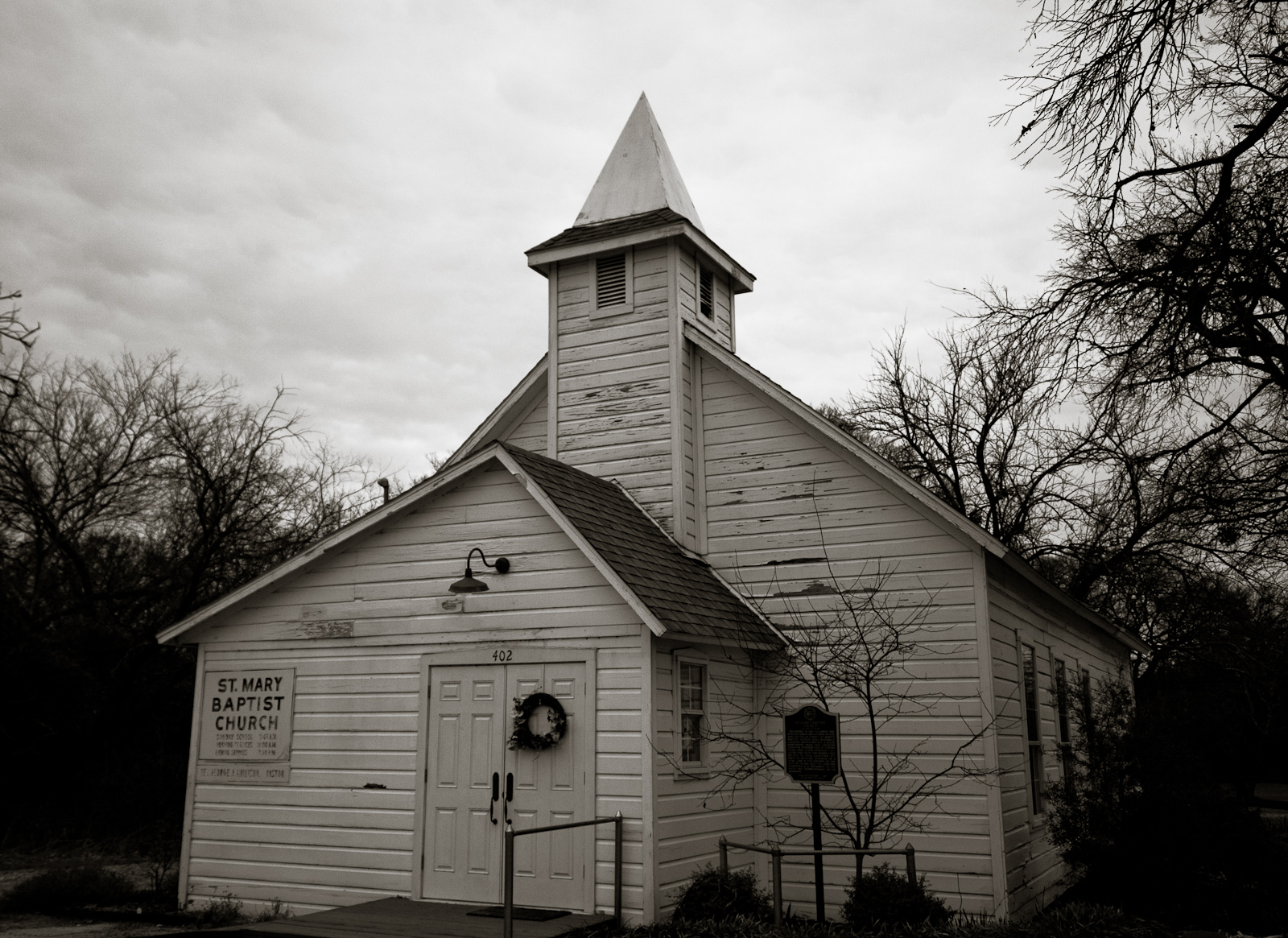
ParticipantI’m going to have a bunch of B-sides on this one too. I’ll post links up once I get my main three set. Going out on a limb and using a new shot of St. Mary Baptist that I took tonight while out on my ride. We shall see…
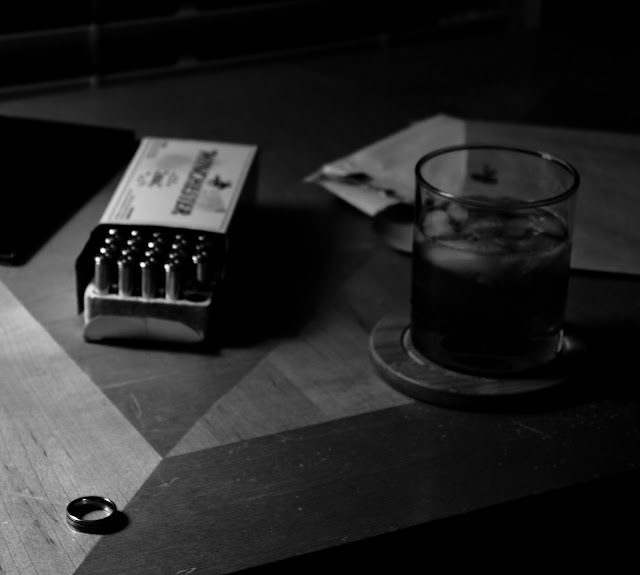
ParticipantNot much for street photography and don’t know many people willing to model, so here’s a general idea of the direction I’m going:
ParticipantParticipantGreat Data-Fu indeed. Thanks for taking the time to compile all of that. Also, CISS, if you ever need a second set of eyes on anything code wise, I’ll be happy to help. I should have my email available through my profile here, but I can also easily be reached through VeloBase.com’s Contact Us page (I’m the only admin, all email comes to me).
ParticipantQuick summation on the funny votes puts the total somewhere between 280 and 300ish (hit the wrong key on the calc before I finished), that’s 50% of the current Best vote count, so I’d venture to say that yes, it’s most likely having an impact. Themes like this and Bacon do lend themselves to having a Best vs Funniest. It also is a theme where, at least in my opinion, there is a wider range of photos in the ‘Best’ category, which is why I think we see the steep drop off of votes in the top 10. I’m kind of looking forward to seeing the voting results from Parking Lots, see how the top 10 vote counts look after that one is said and done.
// hope not to jinx myself, but what ever the weirdness with this weeks vote, it does appear I may have my first top 10. Given the quality of the entries, that’s something to 🙂 about.
edit: just looked at the graph for Bacon, looks like there were even fewer ‘Best’ votes at this point in the voting for that theme than this week.
February 10, 2012 at 4:15 am in reply to: Lightroom: colors differ between in program and export #45227ParticipantMy split tone B&W’s thank you all for your help. Been meaning to inquire if such things were kosher in Farktopgrahy, as long as they aren’t neon green and vivid fuchsia? – this one also has a fairly significant vignette added which I’m under the assumption isn’t really kosher.
 Participant
U-Man, thought you’d like to know that my non-sports-loving wife instantly picked up on the Ali posed Apple and Orange. Well done sir, well done.
February 10, 2012 at 1:54 am in reply to: Lightroom: colors differ between in program and export #45225ParticipantNewest Video drives = fixed. Not sure if it was the drivers themselves, or just the fact that I force it to do a clean install of them, but colors now match. 🙂
February 9, 2012 at 6:31 pm in reply to: Lightroom: colors differ between in program and export #45223ParticipantEverything outside of Lightroom – IE8/Chrome/Windows Viewer/My Work Machine/Coworkers Browser/Coworkers Lightroom – looks (99%) the same. Only in Lightroom to the images appear (significantly) different. I’ll dig into the Lightroom settings tonight, but this is pretty much a stock install, I haven’t tweaked anything that I can think of, but your idea that the monitor profile is getting applied twice, maybe because I have two monitors running, or something else. In any case, that’s the direction I’m going to start digging when I get home this evening. As soon as my replacement part for my laptop arrives and I successfully fix that, I may just go ahead with the upgrade.
February 9, 2012 at 3:58 pm in reply to: Lightroom: colors differ between in program and export #45221ParticipantWell, here’s a twist, I had my coworker import my exported image into his Lightroom install here at work, and wonder of all wonders, it stayed pretty much the same with the green-tint look. Which means it’s actually my install of Lightroom which is not displaying colors “correctly” as it is the only odd duck out in this little experiment. So, now back to the internets in hopes of coming up with the right combination of search terms to find a similar situation and a solution to it. I’m going to calibrate my monitors at home, but it has to be something within lightroom or between lightroom and my display that’s doing this shift. :-/
ParticipantThanks, I wanted to put more time into the pieces, but time was limited to get everything done before the cut apple pieces started turning color. Just glad the napkins were approximately the right size to cover the coffee table for the board. I’d also considered doing a battle scene with the Smirnoff bottles as canons on each side.
ParticipantAlready a lot of fantastic entries!
February 8, 2012 at 10:41 pm in reply to: Lightroom: colors differ between in program and export #45219ParticipantYeah, had learned that much in my early reading, but if my colors are going to shift significantly when I export, I’d like of like to see what they’re going to look like after Export while IN Lightroom. Kind of like trying to shoot a rifle that hasn’t had it’s scope zero’ed in. You can be as careful and steady as you can be, but in the end you’re still throwing in Kentucky windage in order to hopefully hit your mark.
February 8, 2012 at 9:31 pm in reply to: Lightroom: colors differ between in program and export #45217ParticipantGaaaaahhhh, seems like its something to do with color profiles / color management. So I took my exported pictures (which look green hued to me in Windows Picture and Fax Viewer, thumbnails, Chrome, etc – and imported those back into Lightroom – and they look the same as the source image that I exported from. I import the screen capture, and it’s shifted towards RED. Guess it’s time for me to dig deep into the interwebs and read up on proper screen calibrations and what (windows) programs do color management right. So darned much to learn.
ParticipantI for one look forward to the unveiling of the apples and oranges this evening. And look at it this way, we can’t all tank, so someone’s photos have got to do well… right? 😆
— still considering throwing in my apples wearing orange scalps into the mix as a dark horse entry just to see how it fares against my other two. We shall see.
-
AuthorPosts